
Clarity for every step of your USCIS case, in your pocket.
StatusPal is our upcoming mobile app for tracking USCIS case status: add your receipt numbers, see a clear history of every update, and get notified on your device when something changes — in the language you're most comfortable with.
StatusPal is not affiliated with, endorsed by, or operated by USCIS or the U.S. government.
StatusPal is independent and not affiliated with USCIS.
Everything you need to follow your case
A focused set of tools built specifically for tracking USCIS cases — nothing you don't need.
Case Tracking
Add one or more USCIS receipt numbers, label them with a nickname, and check each case's current status whenever you like.
Exact Wait Time
While USCIS still has your case, your case list shows exactly how long it's been since USCIS received it — for example, “Received 1 year, 2 months, 5 days ago” — counted from the receipt date USCIS reports.
Status Notifications
Get notified on your device when a tracked case's status changes, so you don't have to keep checking manually.
Content & News Notifications
Notifications for StatusPal announcements and news, so you stay informed without opening the app. They're separate from case-status alerts, and you can turn them off anytime in the Menu. Currently on Android.
Calendar Reminders
Add important dates — like interviews or filing deadlines — to your device calendar directly from the app.
PDF Export
Export a case's status and history as a PDF — handy for your own records or for sharing with an attorney.
7 Languages & Dark Mode
Use StatusPal in the language you're most comfortable with — seven languages at launch, with more planned — in the standard light theme or a carefully designed dark theme that's easy on the eyes.
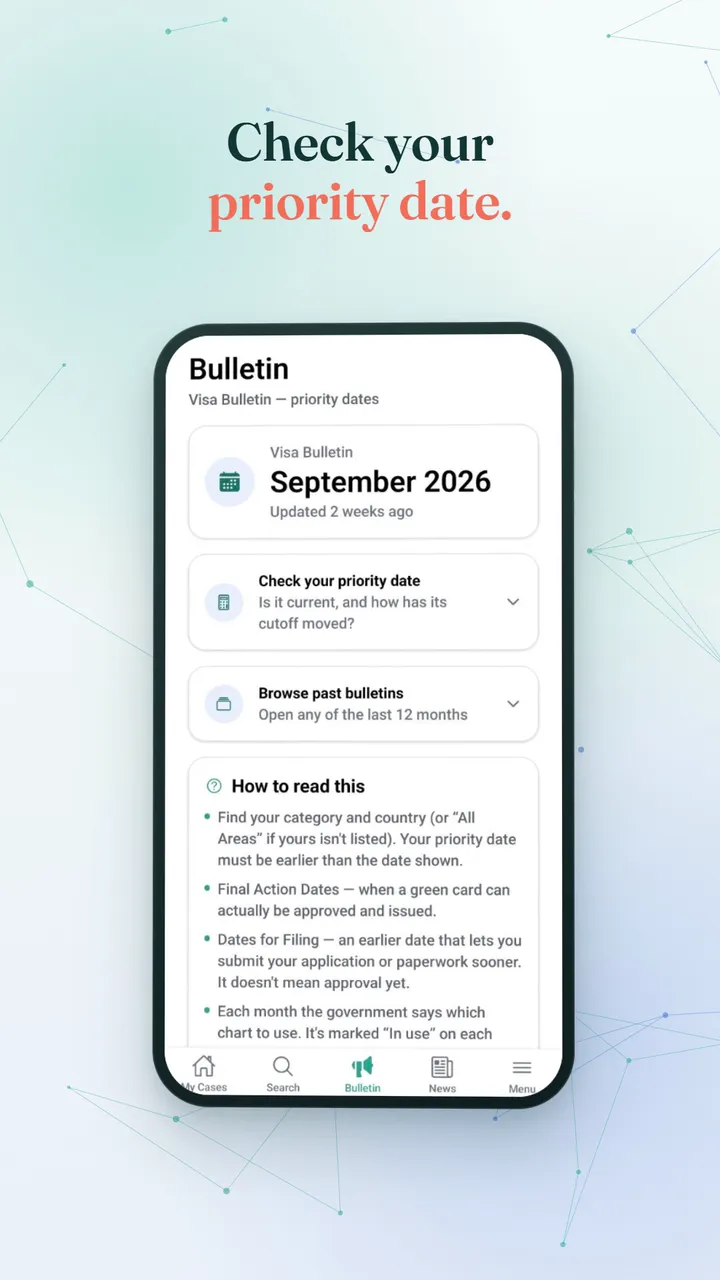
Visa Bulletin Tracking
Follow the monthly Department of State Visa Bulletin in the app. StatusPal keeps its own record of each month's bulletin — currently October 2025 through September 2026.
Past Visa Bulletins Pro
Browse the full bulletin tables from each of the last 12 months, not just the current one.
Priority Date Checker Pro
Enter your category, country of chargeability, and priority date to see where you stand against the current bulletin — current, or how far the cutoff still has to move — plus how that cutoff moved over the last 12 months. Nothing you enter is saved.
Pro Insights Pro
Insight cards for each case, built on published data — not predictions. See USCIS's published median processing time and approval share for your form, how your case's time compares with that median, and how your Visa Bulletin category moved over our record of the last 12 bulletins. Each card names its source; a general “what usually comes next” card is labeled as guidance. None is a forecast for your case.
Blog & Guides
Open our articles and how-to guides on the immigration process straight from the app's Menu.
See StatusPal in action
A 1½-minute walkthrough of the app, from adding your first case to switching the theme. Prefer to read? Every step is written out below the video.
What the video shows
- Add a case. Start on My Cases, tap Add a Case, enter your receipt number (3 letters followed by 10 digits) and tap Check Status & Add Case. The case then appears in My Cases.
- Open a case. See its current status and timeline, check for updates, open USCIS.gov, export a PDF, and read the Pro Insights cards, each built on published data and naming its source.
- Search your cases. Type part of a receipt number and filter your saved cases by status.
- Check your priority date. On the Bulletin tab, choose your category, country and chart, enter your priority date, and see whether it's current and how the cutoff moved over the past year. You can also browse the last 12 months of bulletins.
- Read the news. The News tab lists the latest posts from the USCIS Newsroom.
- Remove a case. Tap the trash icon on a case and confirm. The case and its history are removed from your device.
- Send feedback. From the Menu, write a message and, if you'd like a reply, add your email.
- Make it yours. Change the app's language in the Menu, and switch between the light and dark themes.
Every screen, up close
A look at the core flow, from adding a case to checking the Visa Bulletin. Screens with a light/dark switch are shown in both themes; the rest are shown in light theme for now, with dark versions on the way.
Splash
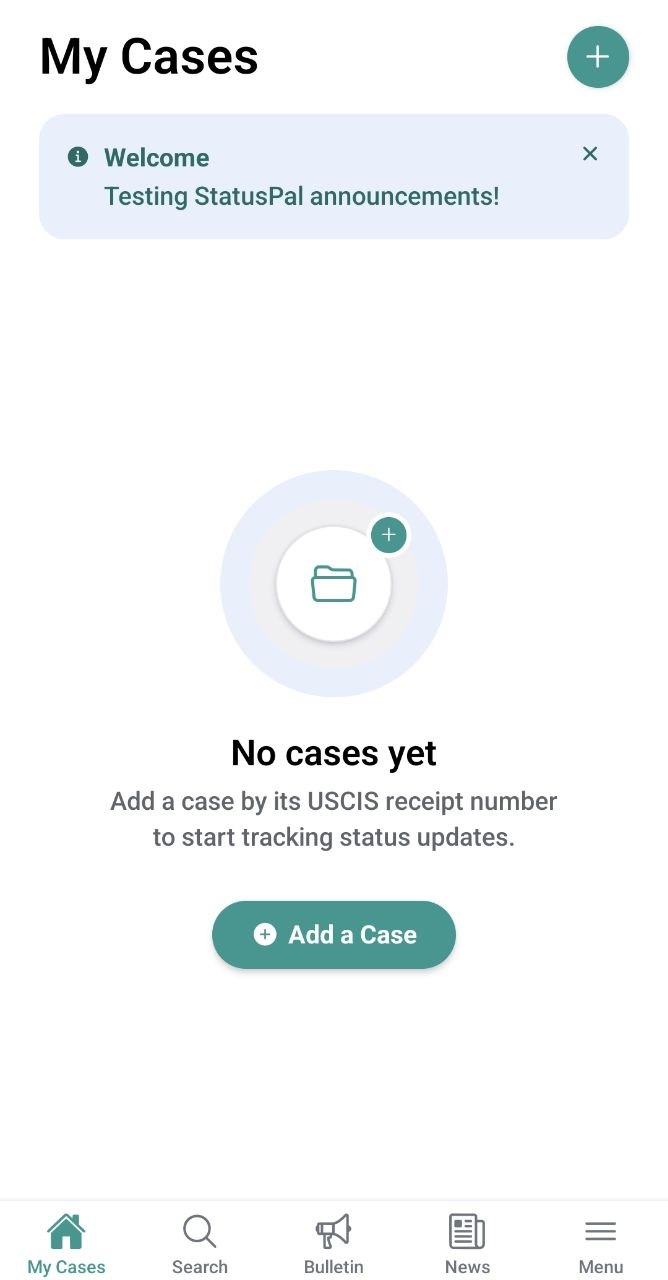
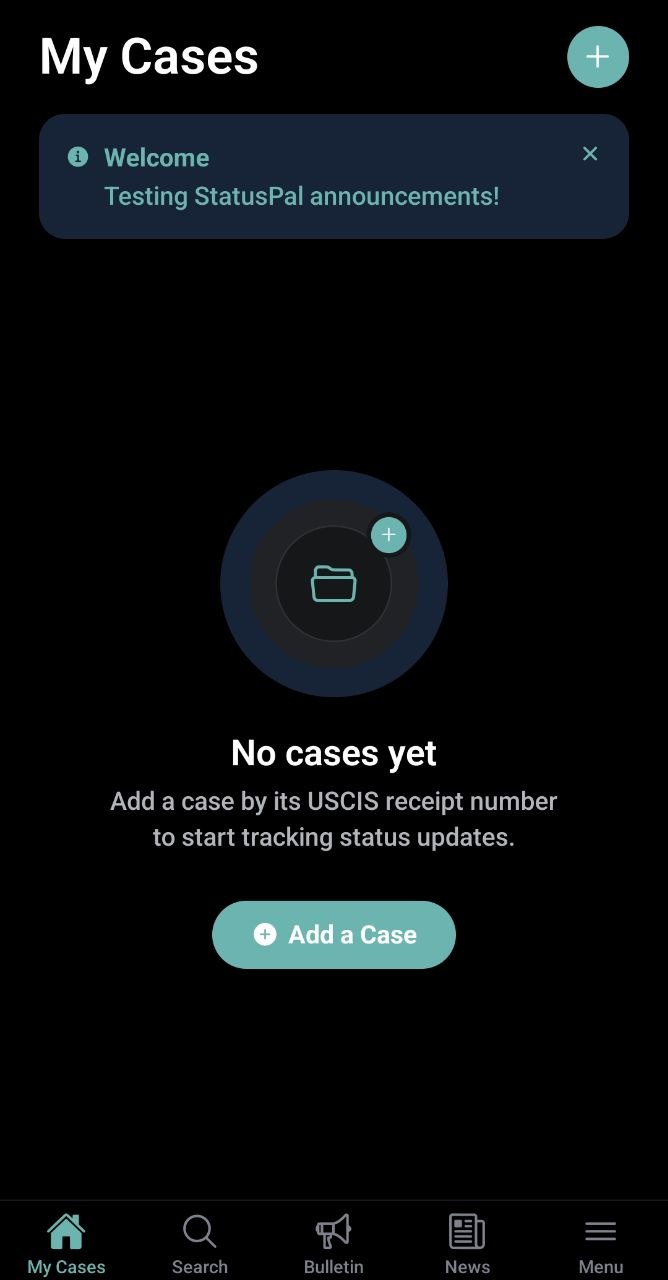
My Cases (Empty)
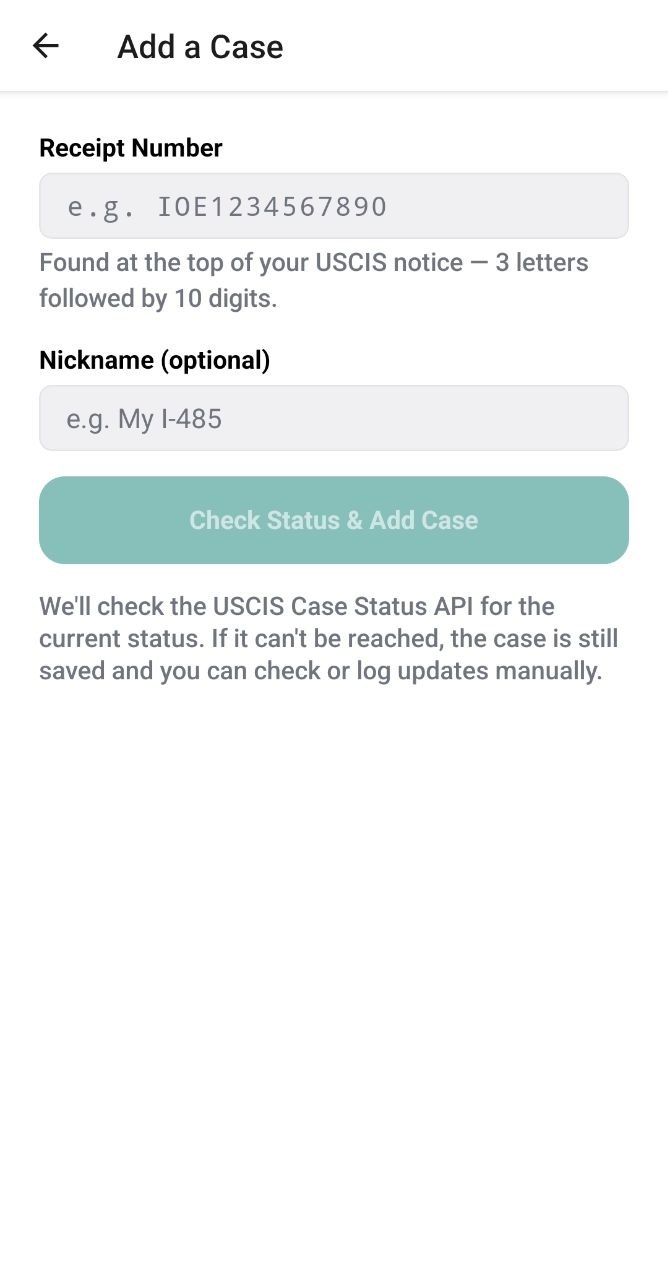
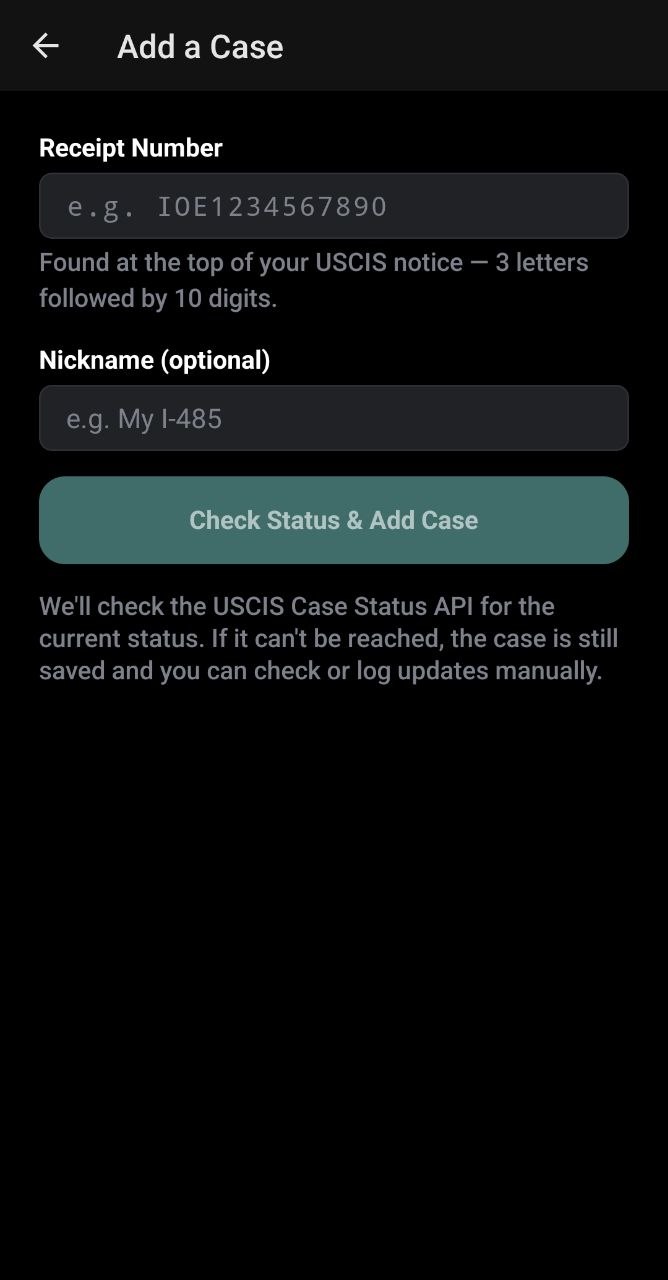
Add a Case
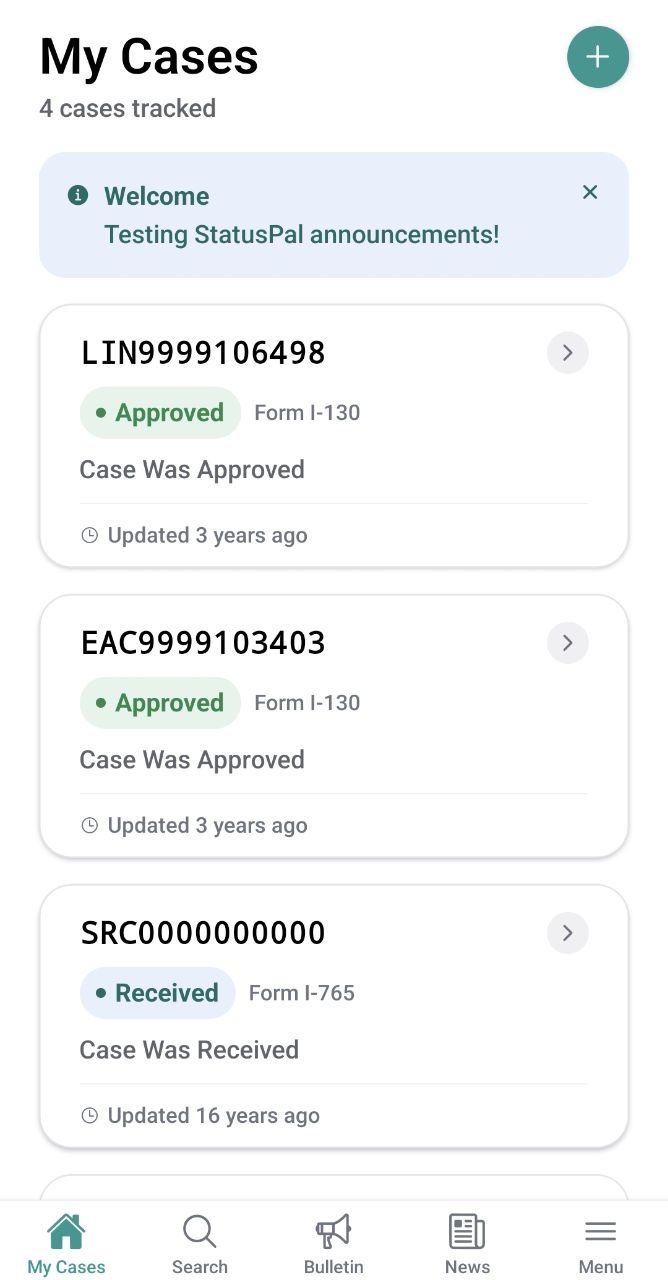
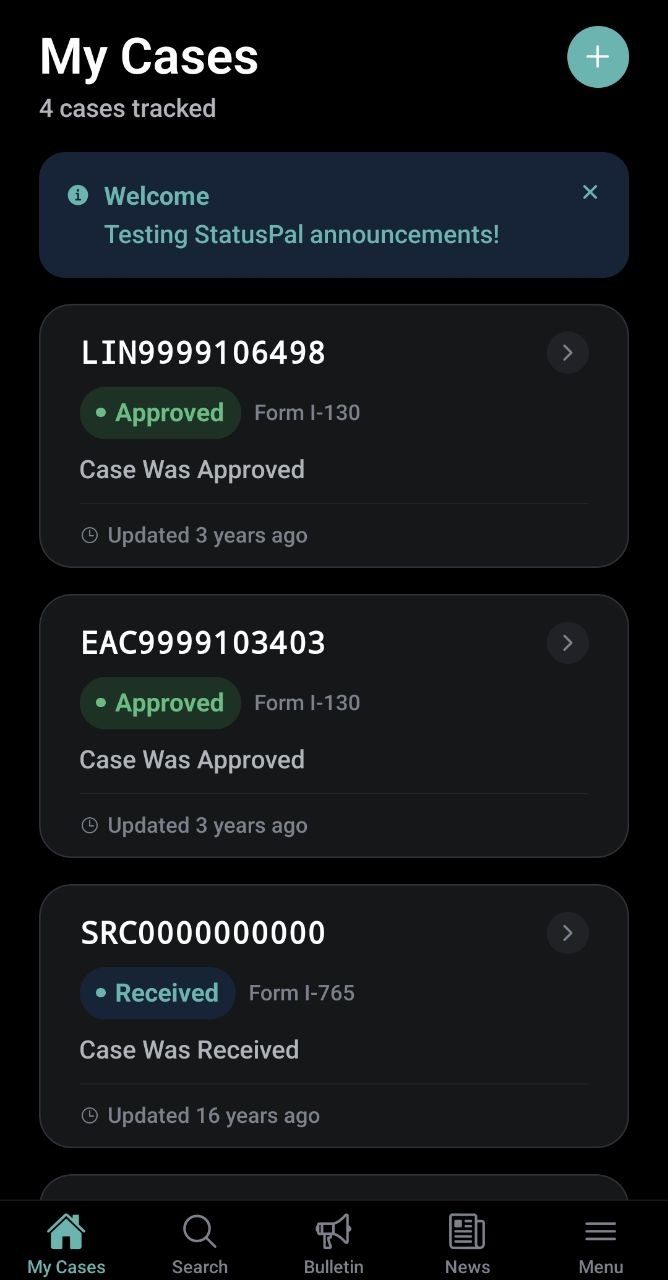
My Cases
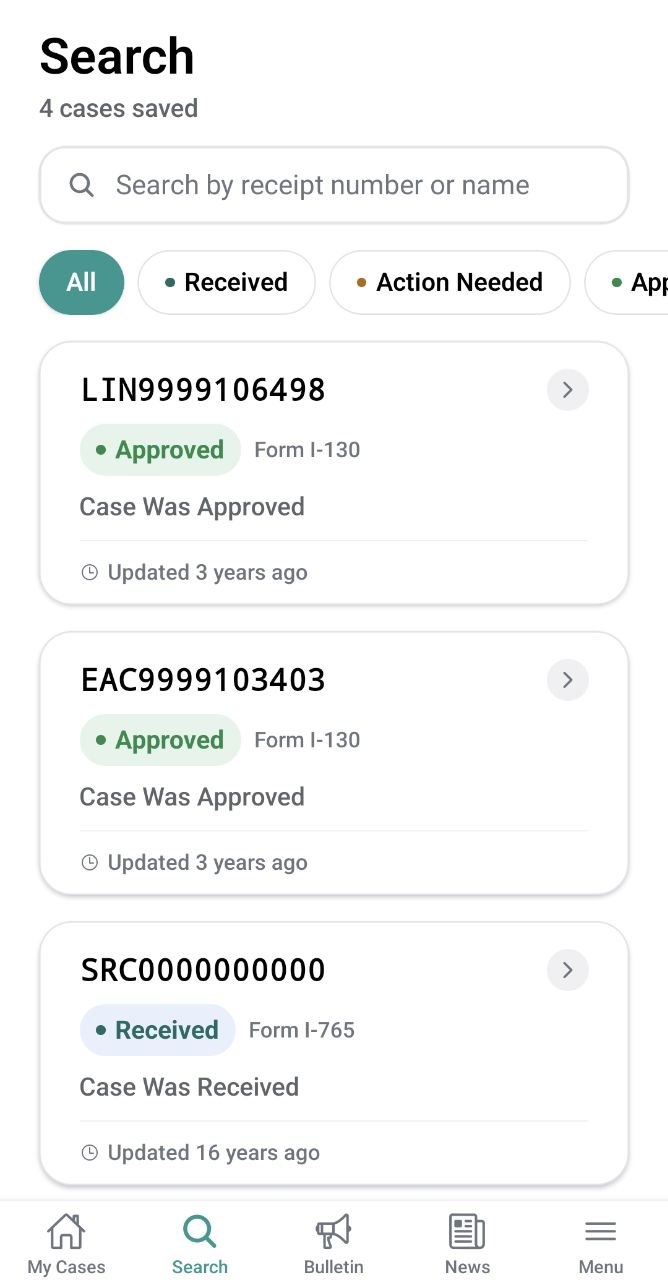
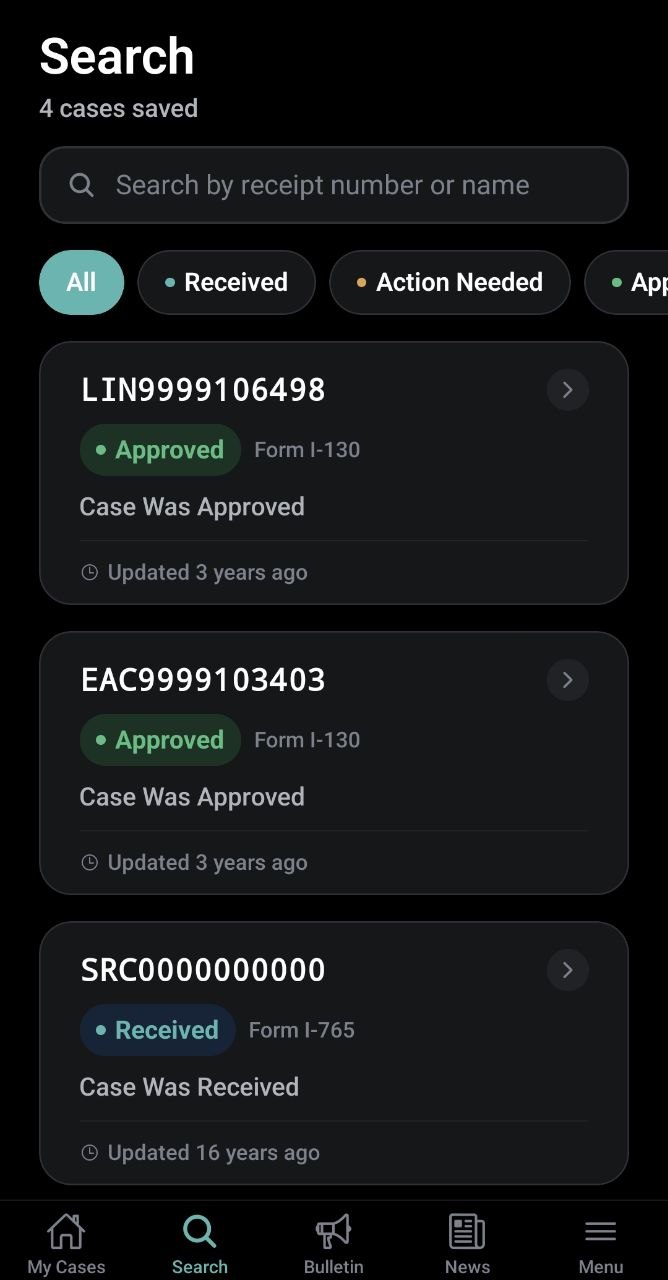
Search
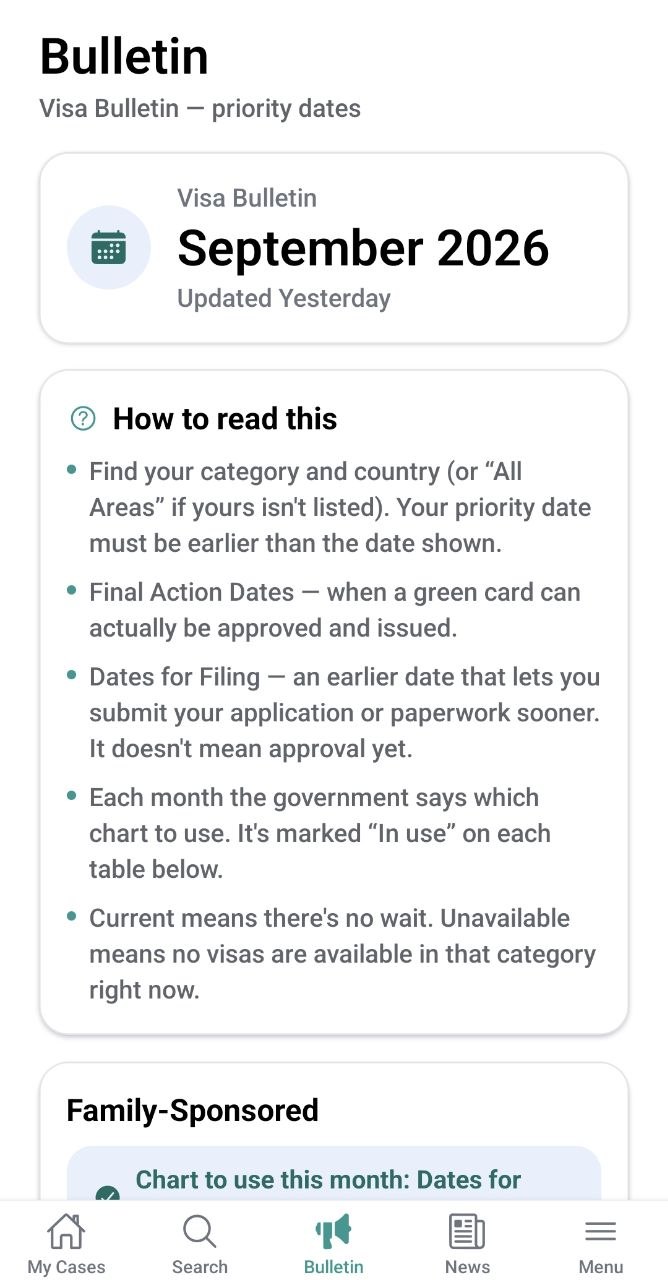
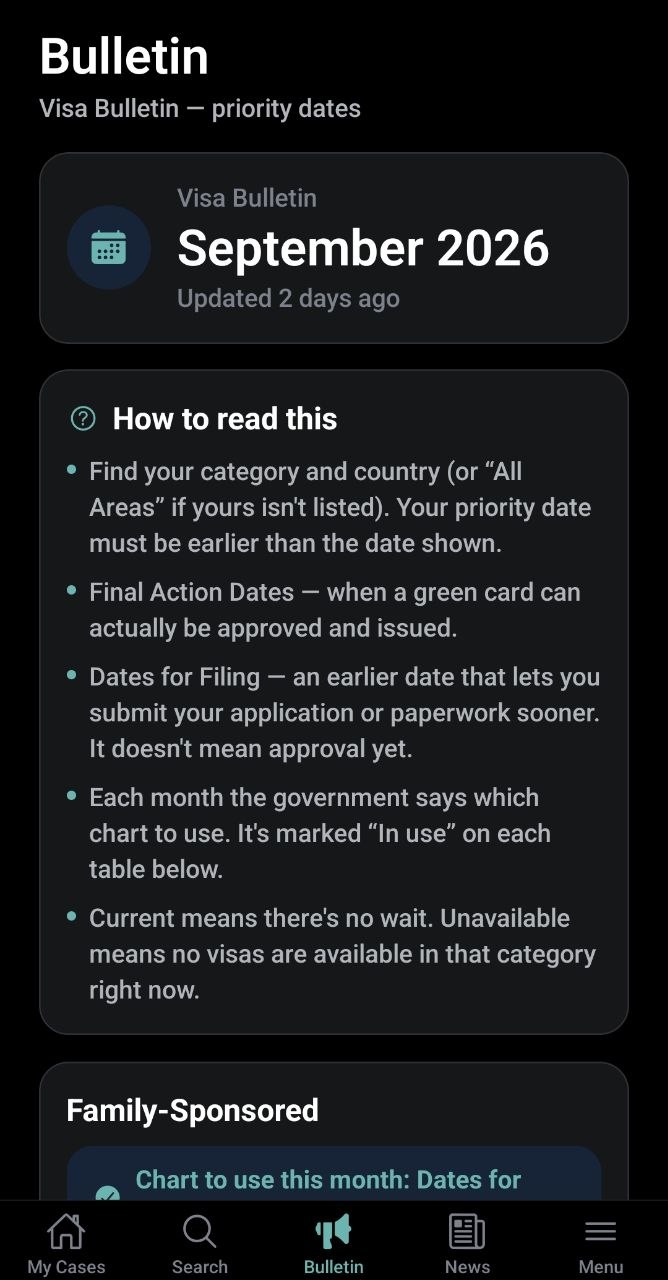
Visa Bulletin
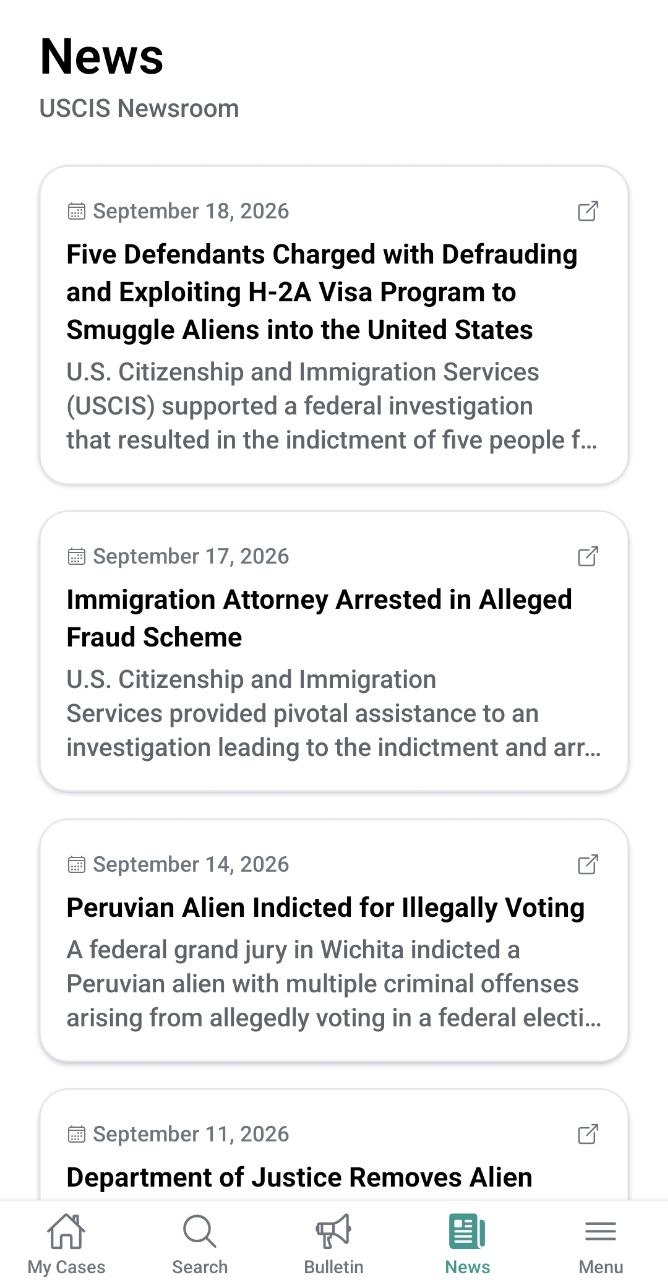
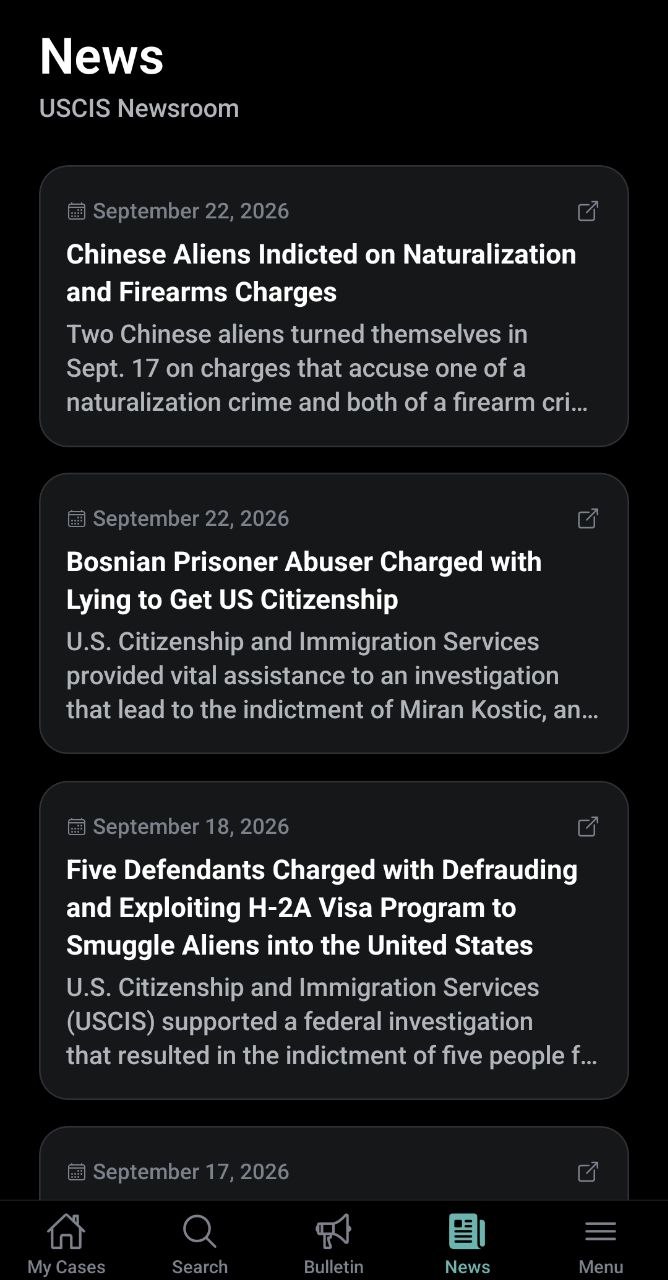
News
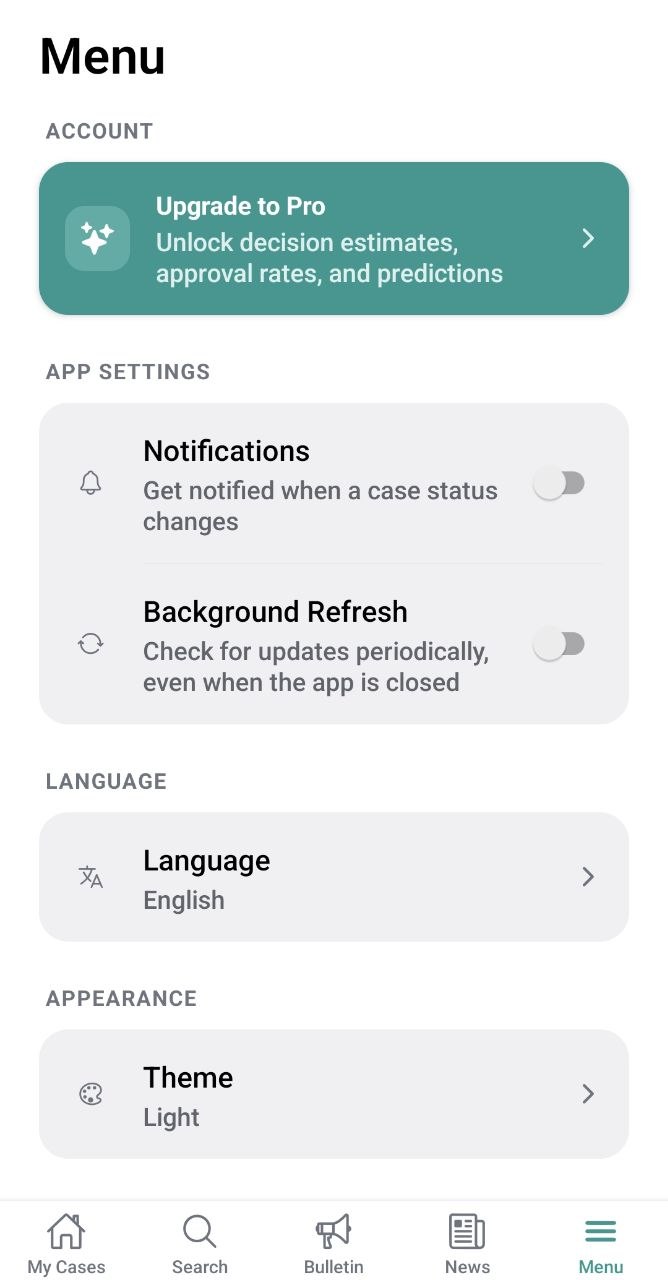
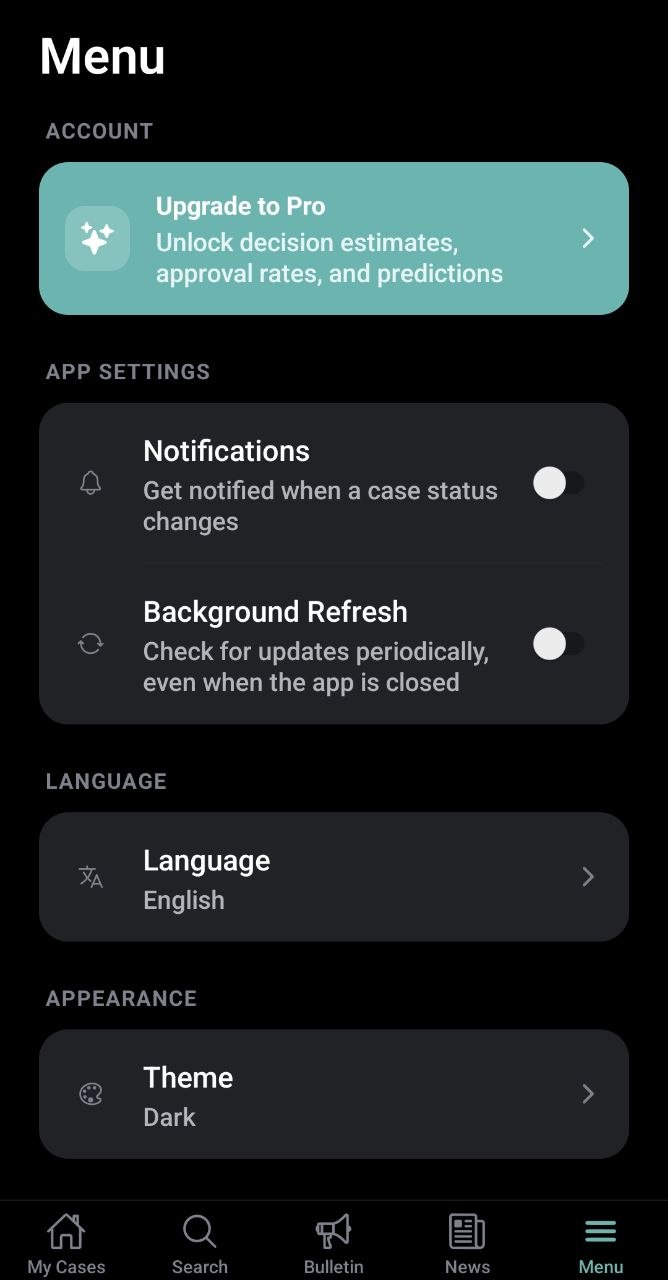
Menu
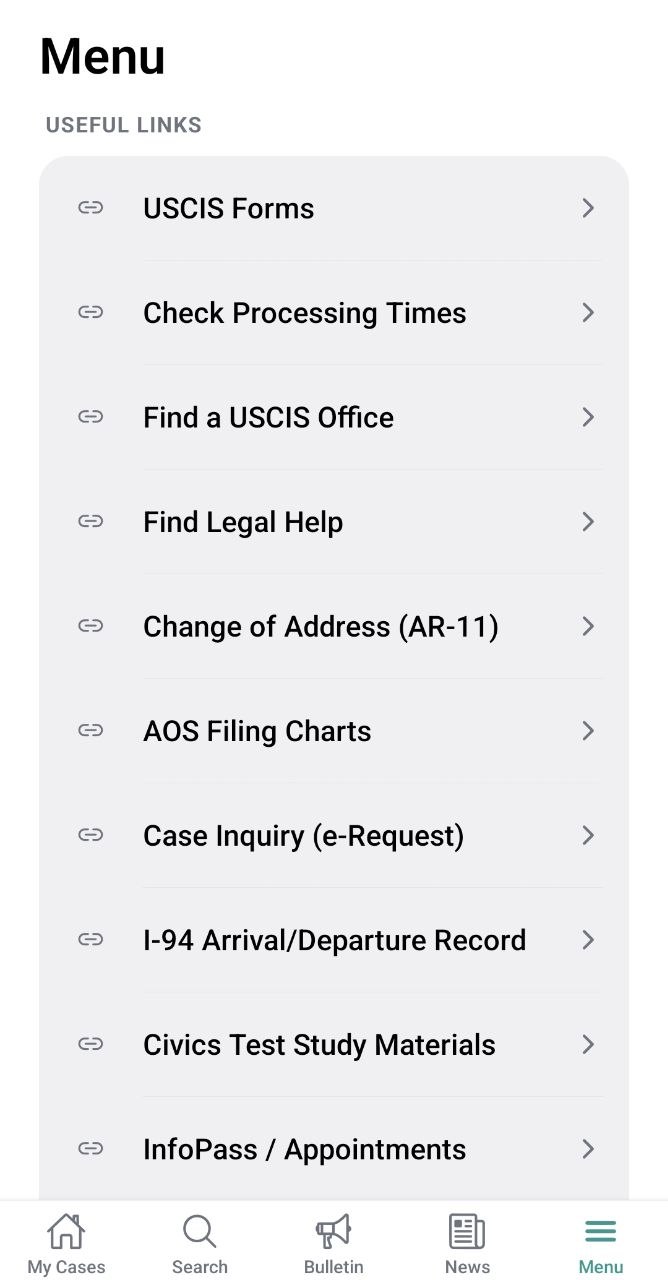
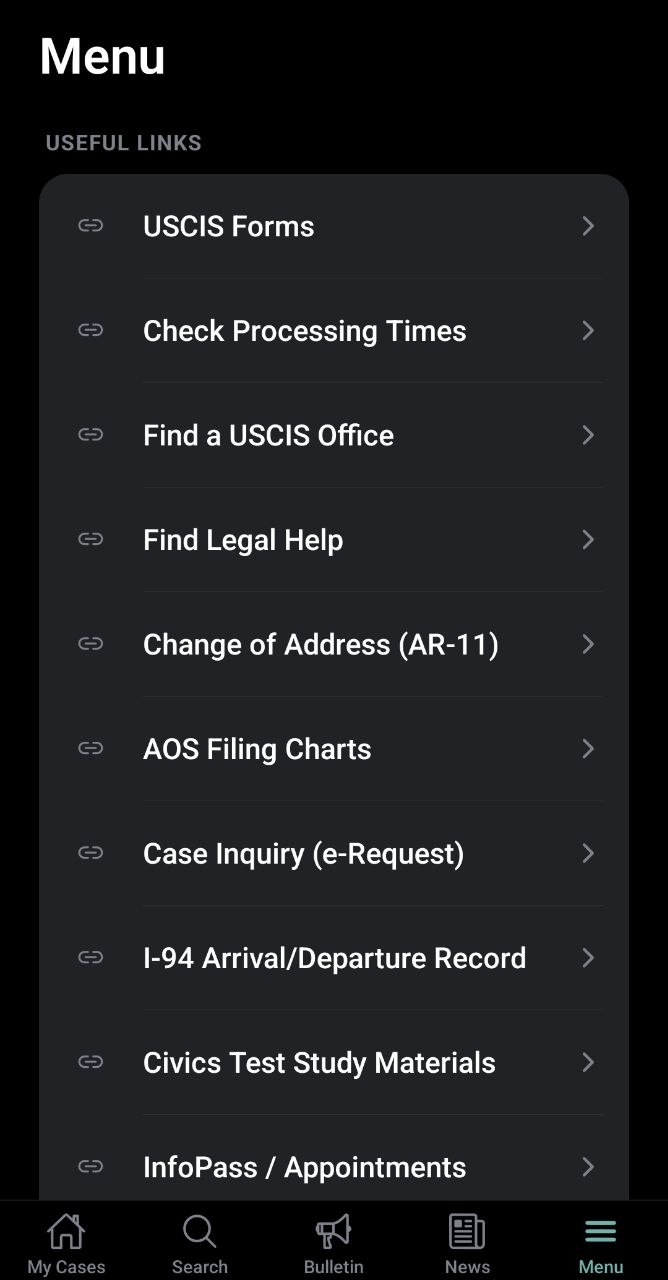
Useful Links
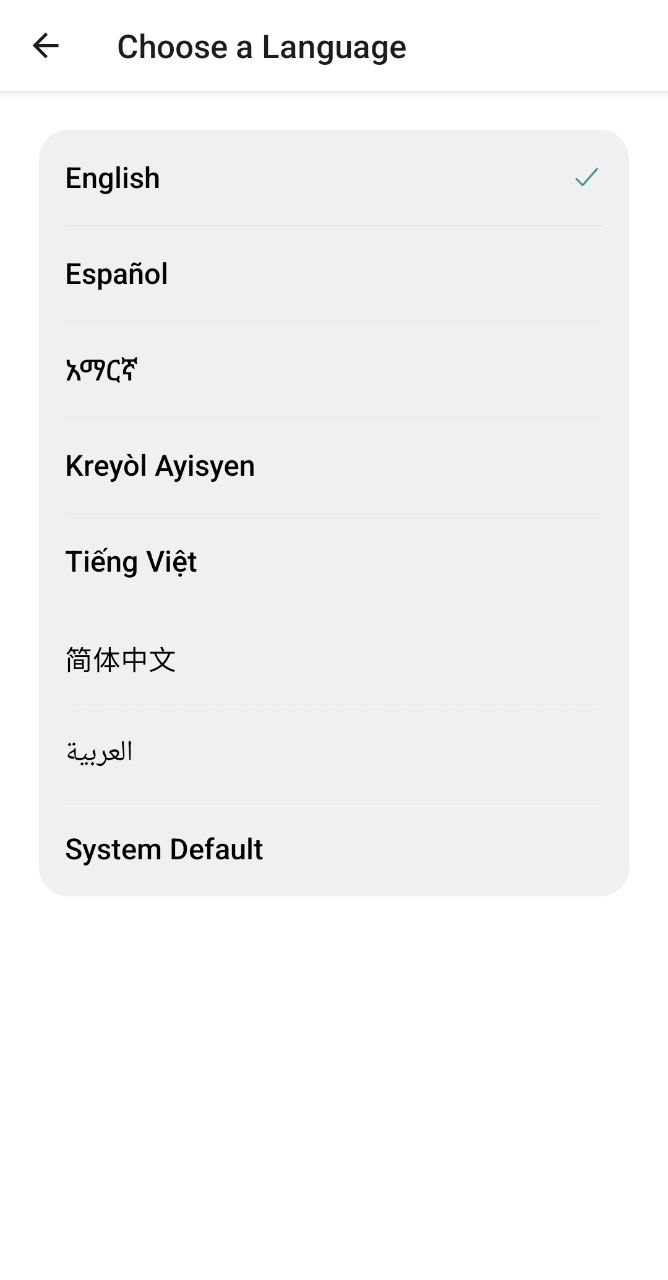
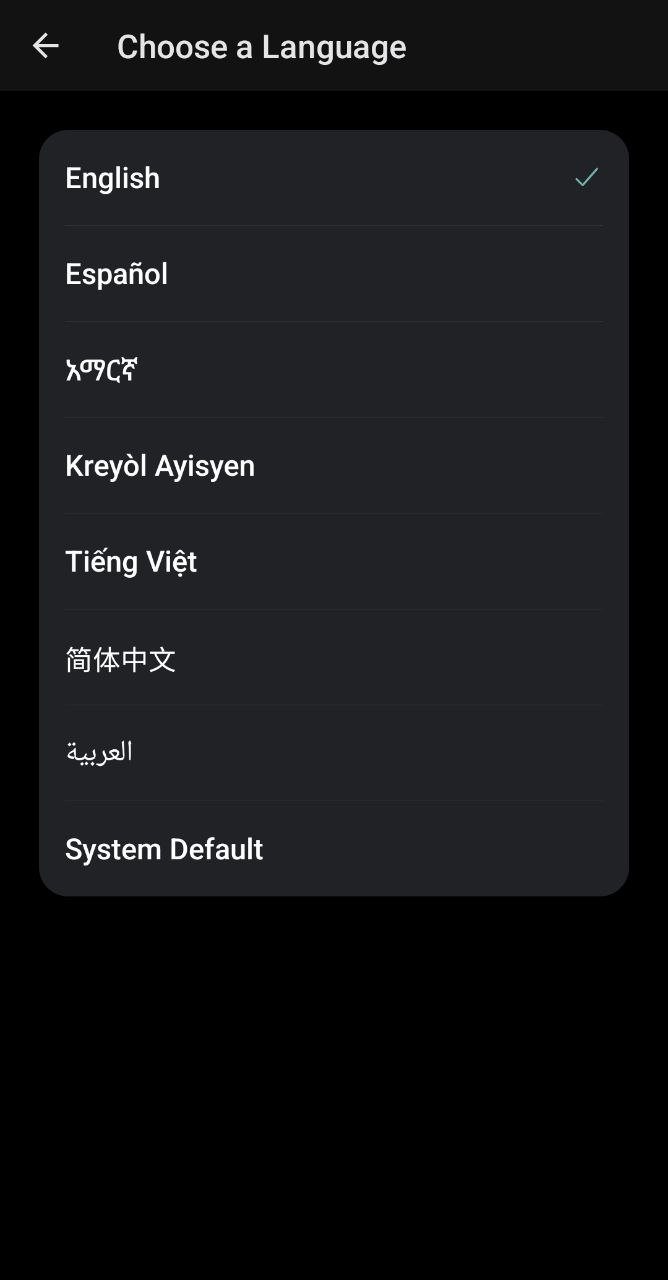
Language
1 / 10

Be the first to know when StatusPal launches
Leave your email and we'll let you know the moment StatusPal is available on the App Store and Google Play. One email when it's ready — no spam.
You're on the list!
We'll email the moment StatusPal launches.
We'll only use your email to notify you about the StatusPal launch. See our Privacy Policy. You can ask us to remove it anytime via the contact page.
An independent project
StatusPal is built by Dream TKY Trading LLC to make following a USCIS case less stressful — one place for status, history, and reminders, instead of juggling tabs and notes.
Important: StatusPal is an independent, unofficial application currently in development. It is not affiliated with, endorsed by, or operated by USCIS or any U.S. government agency, and it does not provide legal advice. For official case information, always refer to the USCIS website. Read more on our About page.
Questions about StatusPal before it launches?
We read every message and respond as quickly as we can.
Contact us →